
Edge AI solutions that run on site, next to your cameras and sensors
Video is heavy and often private. Sending it to a cloud service is slow, costs bandwidth and is sometimes not allowed. We run the models on a computer at the site and send out only what people need to act on: counts, alerts, photos and short clips.
Two products that work on what you already have
VisionGuard AI
Safety and security analytics on your existing IP cameras: PPE, fire and smoke, spills, restricted zones and unknown visitors, each alert with its clip.
VisionGuard AI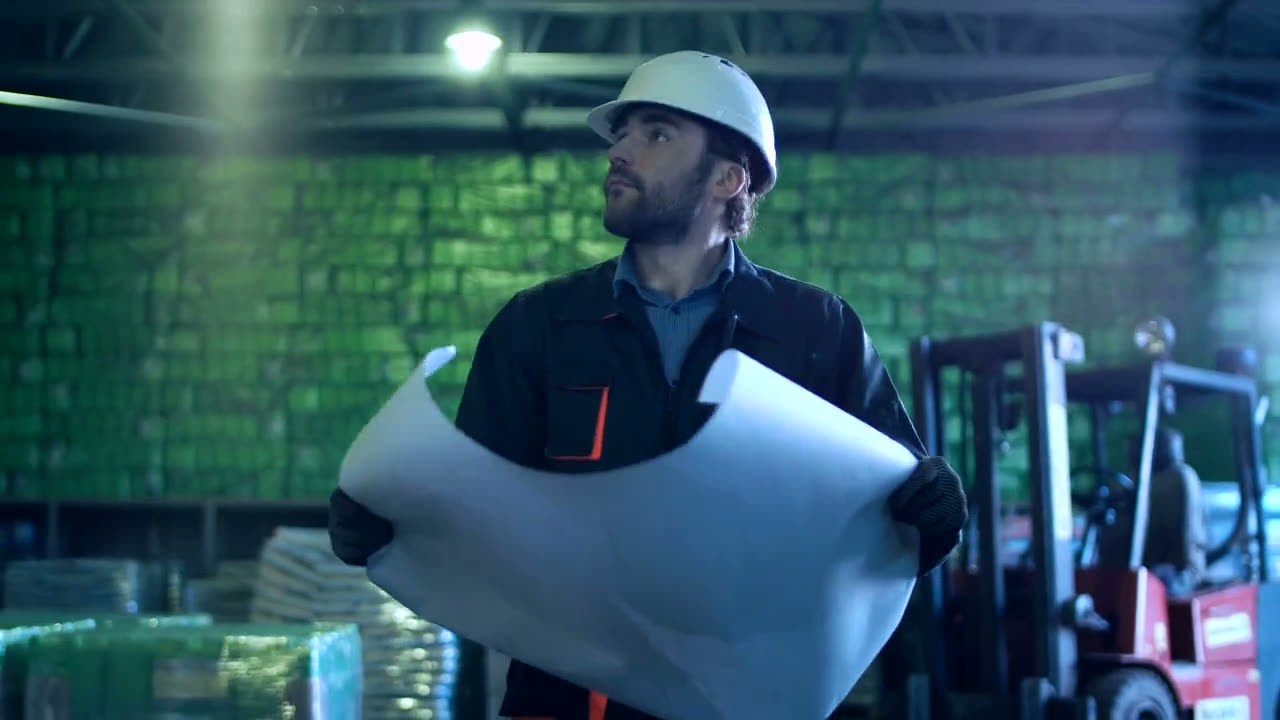
Facility AI
Forecasts temperature and equipment health from the sensors you already have, and warns operators before the alarm.
Facility AIServices and solutions for custom work
Usually less hardware than people expect
At the coffee outlet, one desktop with a mid-range graphics card ran three detection models across seven cameras, all day, without anyone looking after it.
| Item | What we normally use |
|---|---|
| Cameras | Your existing IP cameras over RTSP or ONVIF. We add a camera only where there is a blind spot. |
| Compute | One desktop or edge box with an NVIDIA GPU, sized to the number of streams and models. |
| Network | Cameras on their own connection, separate from the internet line. |
| What leaves the site | Counts, alerts, photos and short clips. Raw footage stays where it was recorded. |
| Running unattended | Starts by itself and restarts any camera or process that fails. |
Our first counting method at the coffee outlet over-counted by close to two times.
We found out by checking the system against the outlet's own footage, and replaced the method. That checking is part of every edge project. Read what went wrong and how we fixed it.
Edge AI questions
What is edge AI?
Edge AI means running AI models on a computer at the site where the data is produced, next to the cameras or sensors, instead of sending everything to a cloud service. It cuts bandwidth, keeps video private and lets alerts fire in seconds even if the internet link drops.
What hardware does an edge AI deployment need?
Usually one desktop or edge box with an NVIDIA GPU, sized to the number of video streams and models. At a coffee outlet, one desktop with an RTX 3050 ran three detection models across seven cameras all day. Larger sites use a rack server or several edge boxes.
Can edge AI work with our existing CCTV?
Yes, if the cameras provide an RTSP or ONVIF stream, which most IP cameras do. We check angles, lighting and resolution in a site survey and tell you which detections each camera can support before you commit.
How accurate is it?
It depends on your cameras, lighting and what you want detected, so we do not quote a number in advance. We measure accuracy on your own footage, fix what we find, and agree the result with your team before go-live.
Have cameras that only record?
Tell us what you wish someone was watching for. We will tell you whether your current cameras can do it.